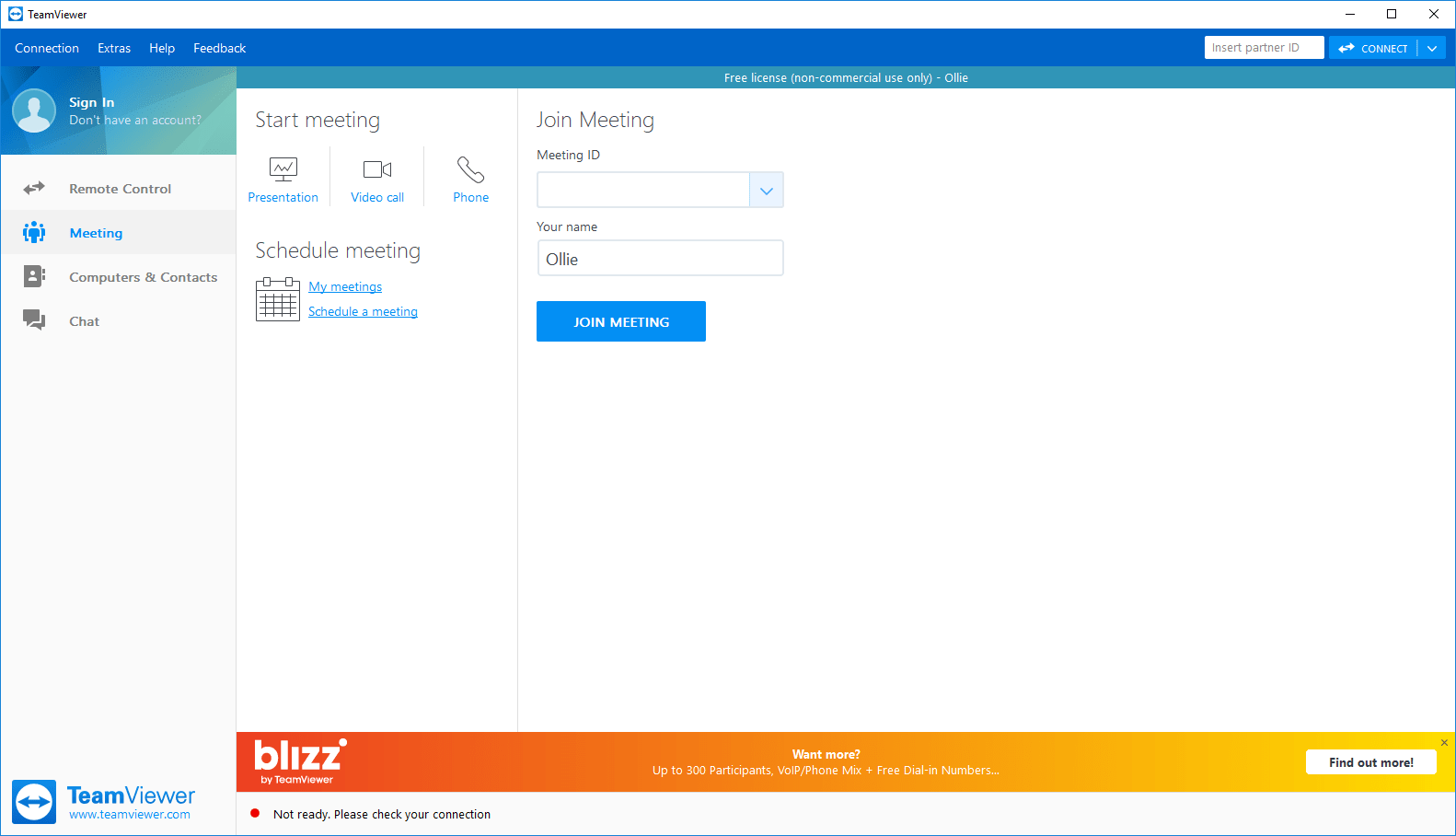
TeamViewer is a remote desktop application that allows you to access another computer via the Internet. You do not need both computers to be connected to the same network, but both computers must have TeamViewer installed.
Straightforward connection process
Using the software is very straightforward. It has two sections - on one side, you are given a password and user ID. On the other side, you can enter somebody else's user ID and password to remotely connect to their PC. By default, the password constantly changes, so nobody is able to connect to your PC unless you tell them your password.Remote management and meetings
The main use for TeamViewer is remote management. You can use it to access files and programs on your home PC whilst being away, or use it to remotely solve and troubleshoot problems on another PC. For the most part, the remote management feature works without any issues and runs smoothly, even on lower-end PCs.
You can also use it to run meetings and presentations - multiple people can connect to your meeting room, and you can showcase what's on your screen to a group of connected users.Adjustable quality and security
If you're not happy with the level of quality or security, additional options are available. You can reduce or increase the screen streaming quality, and increase the security strength for the randomly generated passwords.A reliable solution for remote access
Overall, TeamViewer does well to provide an easy-to-use remote access system. The meeting feature is also useful for users looking to present their screen to multiple people at once.